Nintendo Switch Controller Polling Rate: Joy-Con and Pro Controller Hz Explained
The Nintendo Switch controller polling rate is 125Hz — meaning the console reads input from your Joy-Con or Pro Controller

Mouse, keyboard, and controller buying guides and reviews.
The Nintendo Switch controller polling rate is 125Hz — meaning the console reads input from your Joy-Con or Pro Controller
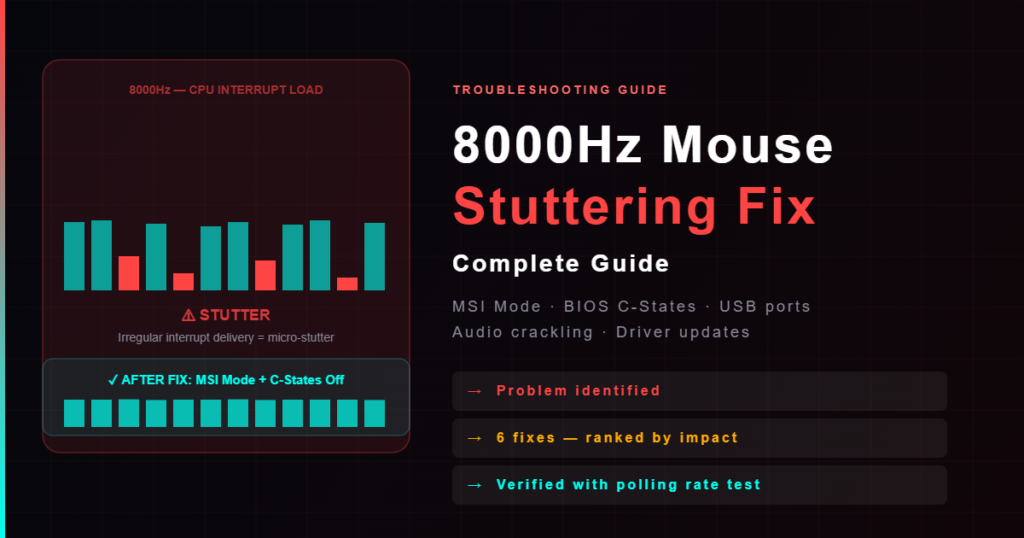
You upgraded to an 8000Hz mouse expecting smoother aim — but now your cursor stutters, your audio crackles, or the
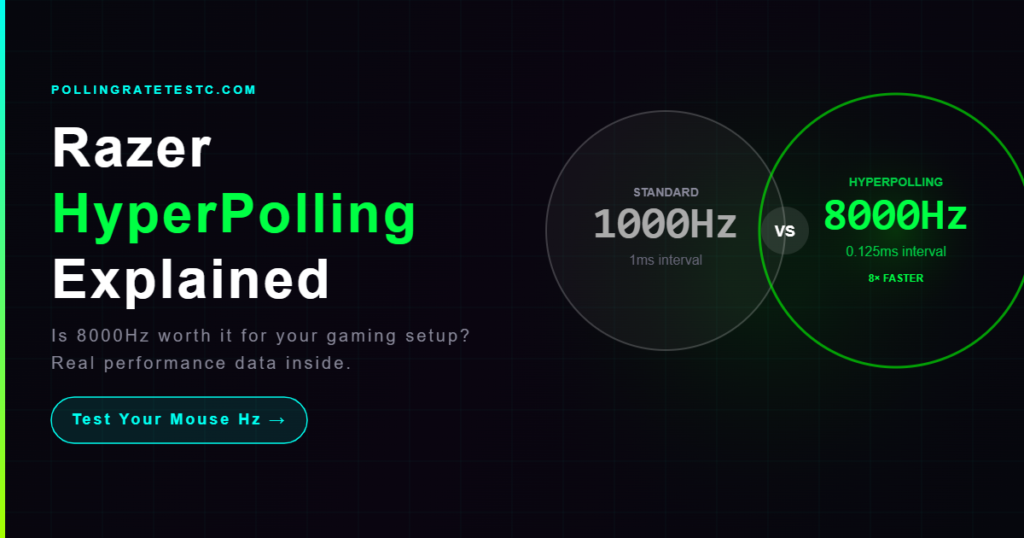
Razer HyperPolling is Razer’s name for their 8000Hz polling rate technology, first introduced in the DeathAdder V2 Pro with the
Xbox Series X/S controllers run at ~125Hz via USB on PC — lower than PS5 DualSense (250Hz). Learn how polling rate differs across USB, Xbox Wireless Adapter, and Bluetooth, how Xbox compares to other controllers, and how to test your controller’s actual Hz free.
Step-by-step guide to changing mouse polling rate on all major brands: Razer Synapse, Logitech G HUB, SteelSeries GG, Corsair iCUE, ASUS ROG, HyperX. Includes how to verify your new rate and fix common issues.
What polling rate is best for gaming? 1000Hz is the competitive standard for mice. Learn the real difference between 125Hz, 500Hz, 1000Hz, and 8000Hz for FPS, CS2, Valorant, and battle royale — and test your current polling rate free.
Polling rate is how many times per second your mouse, keyboard, or controller sends data to your PC (Hz). Learn what polling rate means, how it affects input lag, 125Hz vs 1000Hz vs 8000Hz, and how to test yours free in your browser.
PS5 DualSense polling rate is 250Hz over USB and 125Hz over Bluetooth. Learn how to test your DualSense Hz and overclock it to 1000Hz using DS4Windows on PC.
Complete guide to controller polling rate — PS5 DualSense Hz (250Hz USB), Xbox Series Hz (125Hz), Nintendo Switch Pro, 8BitDo, how to increase to 1000Hz, and how to test free in your browser.
Updated guide: This topic is now covered in more depth in our complete Controller Polling Rate Test guide, including the